
1602 16×2 LCD Display with I2C/IIC interface – Blue Backlight
- •Operating Voltage: 5V
- •The display is 16 character by 2 line display has a very clear and high contrast white text upon a blue background/backlight
- •This is great blue backlight LCD display
- •It is fantastic for Arduino based project
- •This LCD1602 LCD Display is very easy to interface with Arduino or Other Microcontrollers
Description
[LED/LCD Display Module] This is LCD 1602 Parallel LCD Display that provides a simple and cost-effective solution for adding a 16×2 White on Liquid Crystal Display into your project. The display is 16 character by 2 line display has a very clear and high contrast white text upon a blue background/backlight. This is great blue backlight LCD display. It is fantastic for Arduino based project. This LCD1602 LCD Display is very easy to interface with Arduino or Other Microcontrollers. This display overcomes the drawback of LCD 1602 Parallel LCD Display in which you’ll waste about 8 Pins on your Arduino for the display to get working. Luckily in this product, an I2C adapter is directly soldered right onto the pins of the display. So all you need to connect are the I2C pins, which shows a good library and little of coding. The I2C is a type of serial bus developed by Philips, which uses two bidirectional lines, called SDA (Serial Data Line) and SCL (Serial Clock Line). Both must be connected via pulled-up resistors. The usage voltages are standard as 5V and 3.3V. If you already have the I2C adapter soldered onto the board like in this product, the wiring is quite easy. You should usually have only four pins to hook up. VCC and GND of course. The LCD display works with 5 Volts. So we go for the 5V Pin. The values shown on the display can be either a simple text or numerical values read by the sensors, such as temperature or pressure, or even the number of cycles that the Arduino is performing. Arduino IIC/I2C interface was developed to reduce the IO port usage on Arduino board I2C adapter allows flexibility in connections I2C Reduces the overall wirings. 16 characters wide, 2 rows White text on the Blue background Single LED backlight included can be dimmed easily with a resistor or PWM. Interface: I2C Interface Address: 0x27 Character Color: White Backlight: Blue Supply voltage: 5V
🔹 Key Features
- •The display is 16 character by 2 line display has a very clear and high contrast white text upon a blue background/backlight
- •This is great blue backlight LCD display
- •It is fantastic for Arduino based project
- •This LCD1602 LCD Display is very easy to interface with Arduino or Other Microcontrollers
- •This display overcomes the drawback of LCD 1602 Parallel LCD Display in which you’ll waste about 8 Pins on your Arduino for the display to get working
- •Luckily in this product, an I2C adapter is directly soldered right onto the pins of the display
🔹 Technical Specifications
🔹 Pin Configuration & Wiring
🔹 Applications
This component is engineered and suitable for:
- •Microcontroller interfacing (Arduino, ESP32, Raspberry Pi, STM32)
- •IoT telemetry, environmental monitoring, and smart home systems
- •Robotics navigation, obstacle detection, and motion sensing
- •STEM education, university electronics labs, and maker prototyping
🔹 Package Includes
- ✓1 × 1602 16×2 LCD Display with I2C/IIC interface – Blue Backlight
Wholesale Tiered Pricing
Related products
Complementary hardware and compatible components for your project
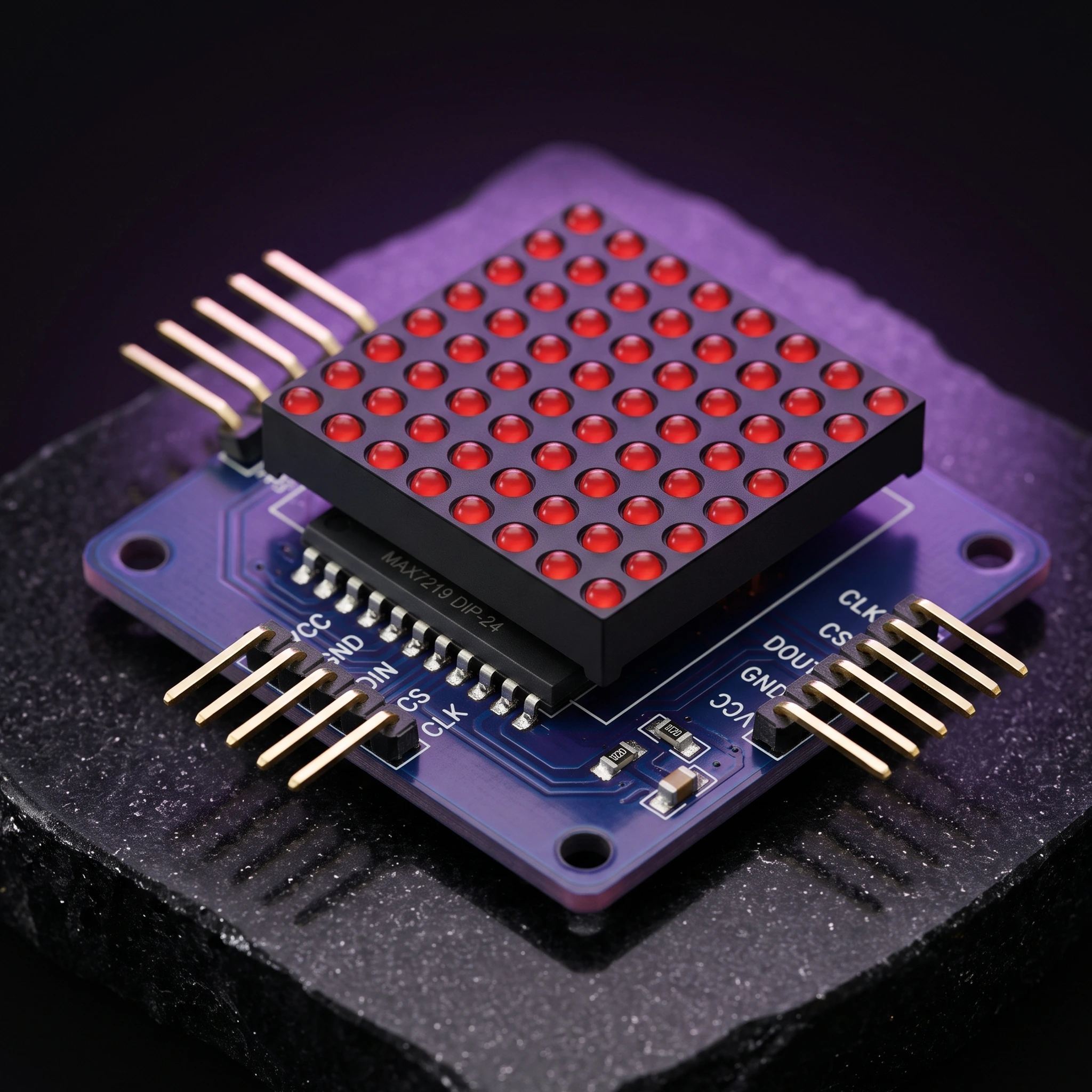
8×8 LED Matrix Module (MAX7219)
MAX7219 dot LED matrix module, MCU controlled display.
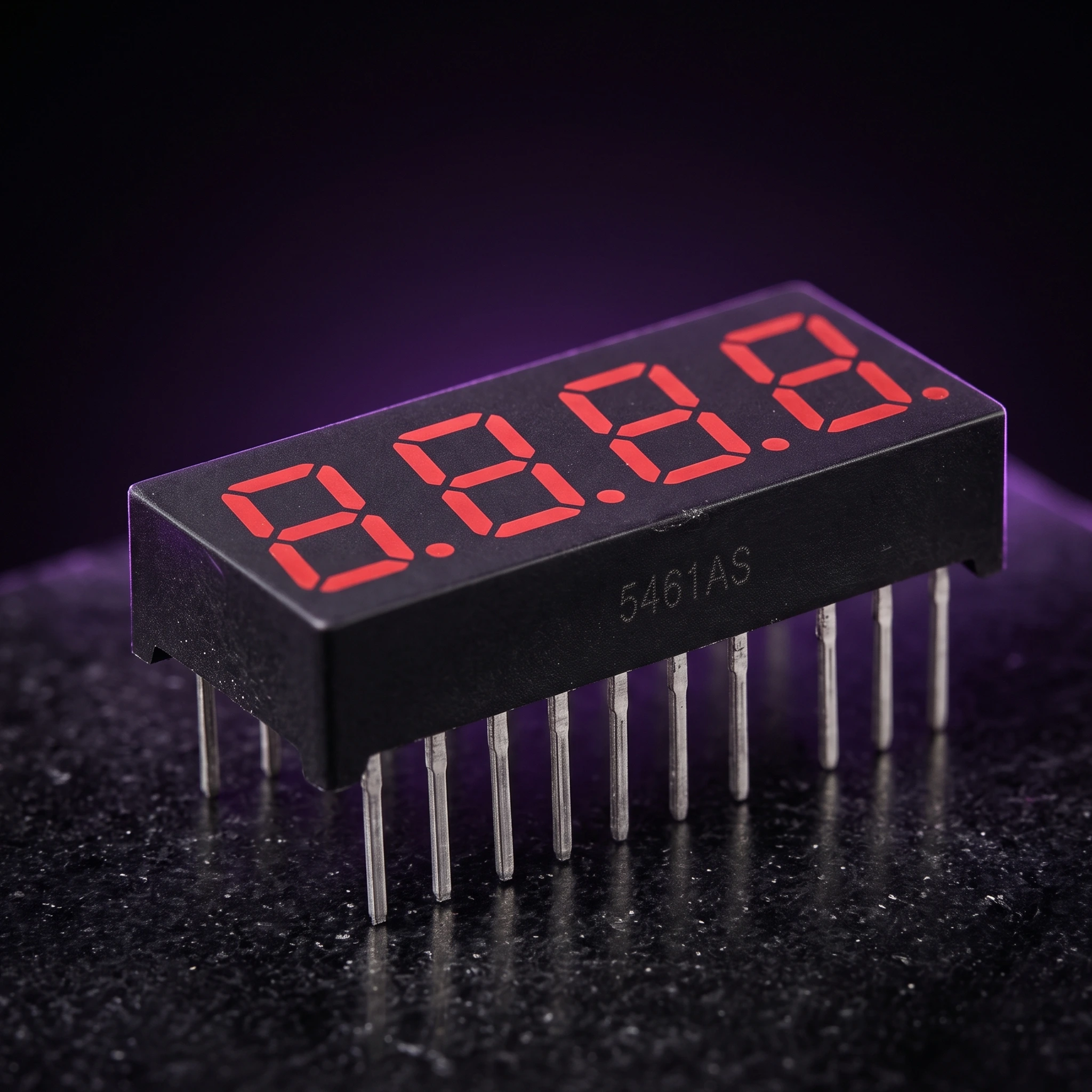
7-Segment LED Display (4-digit)
LED 4-digit display module with clock point, 4-pin Dupont line for Arduino.
 Only 2 left
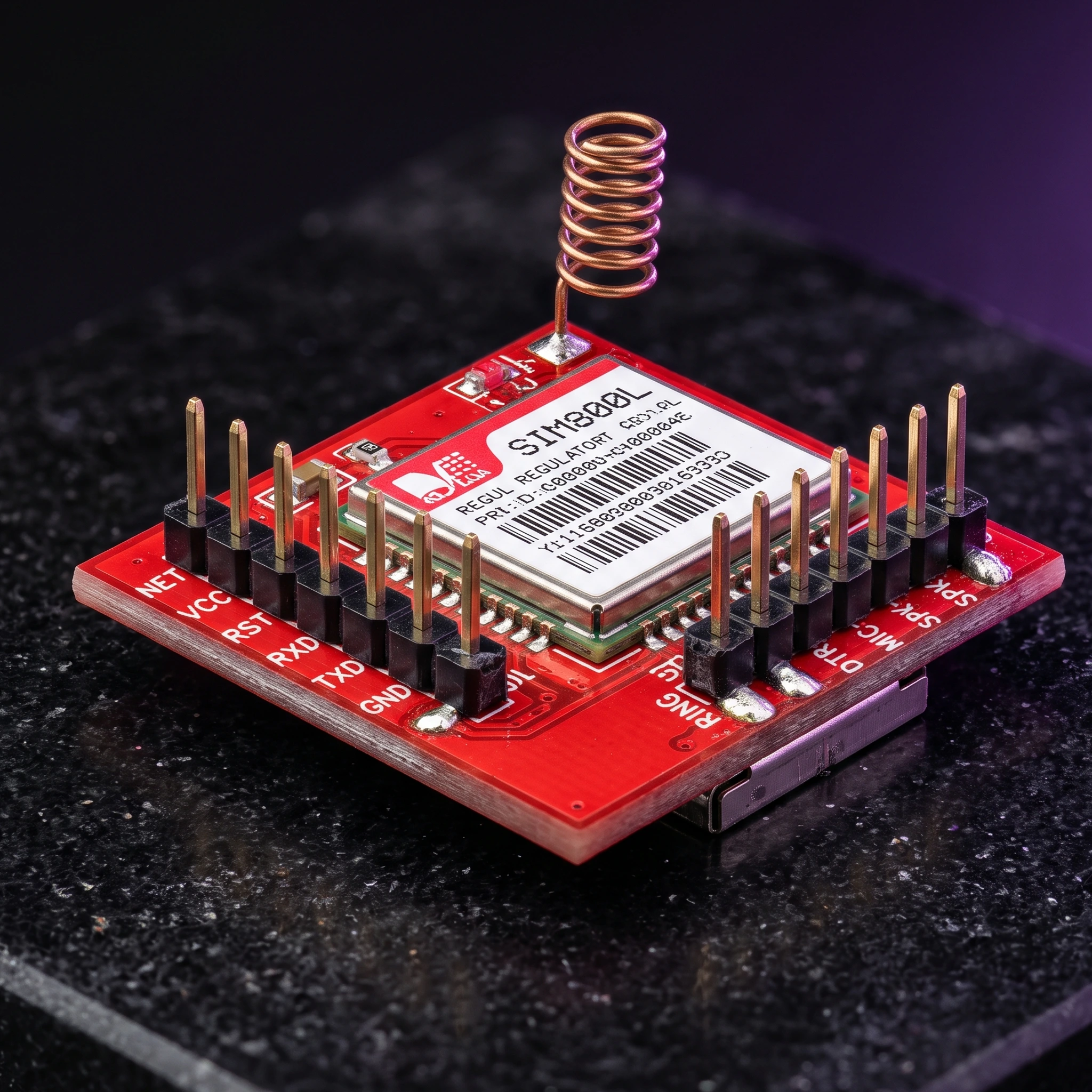
GSM SIM800L
GPRS transfer board, micro SIM, GSM core, TTL port for Arduino.
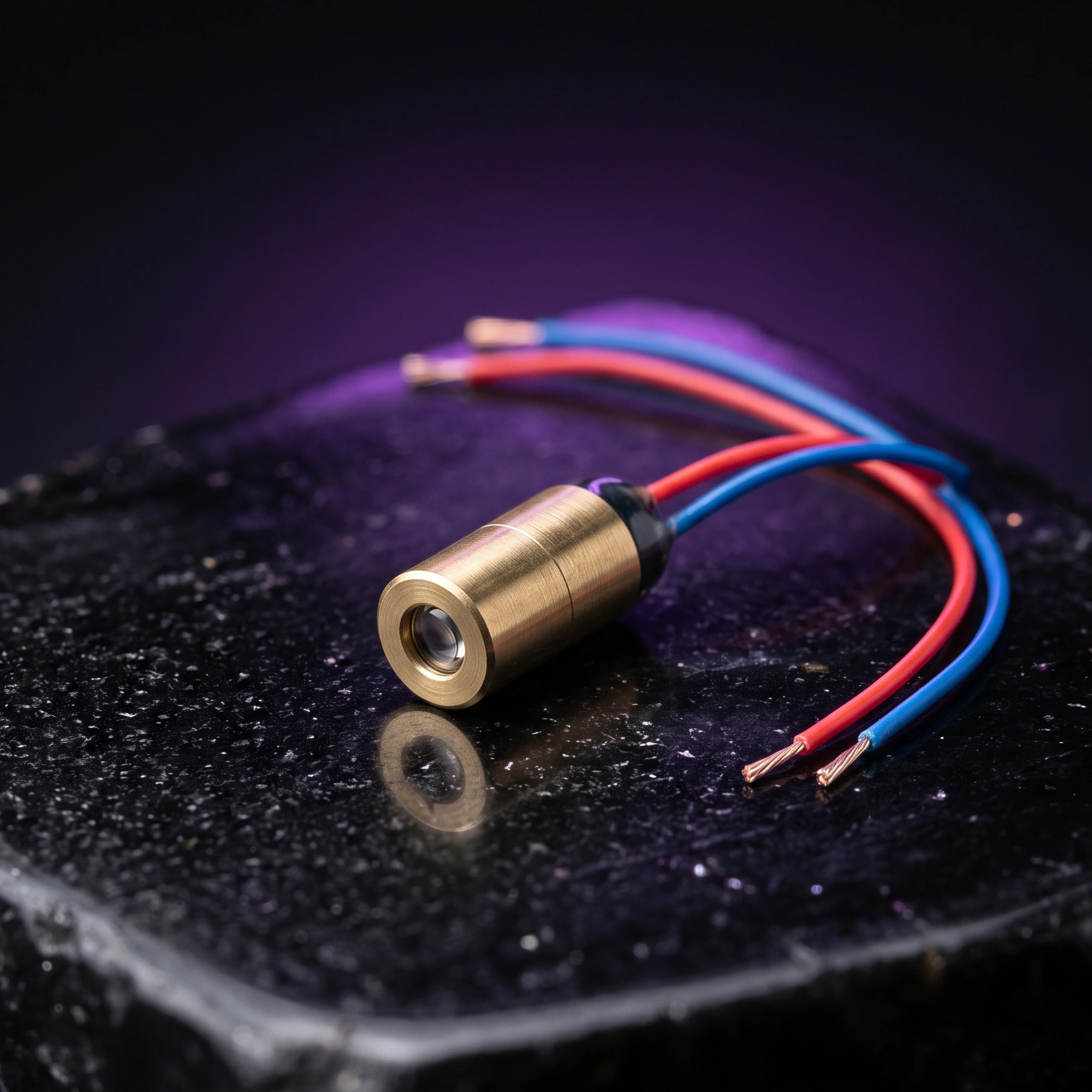
Laser Diode Module (650nm 5mW)
650nm 6mm 5V DC 5mW mini laser dot diode module.
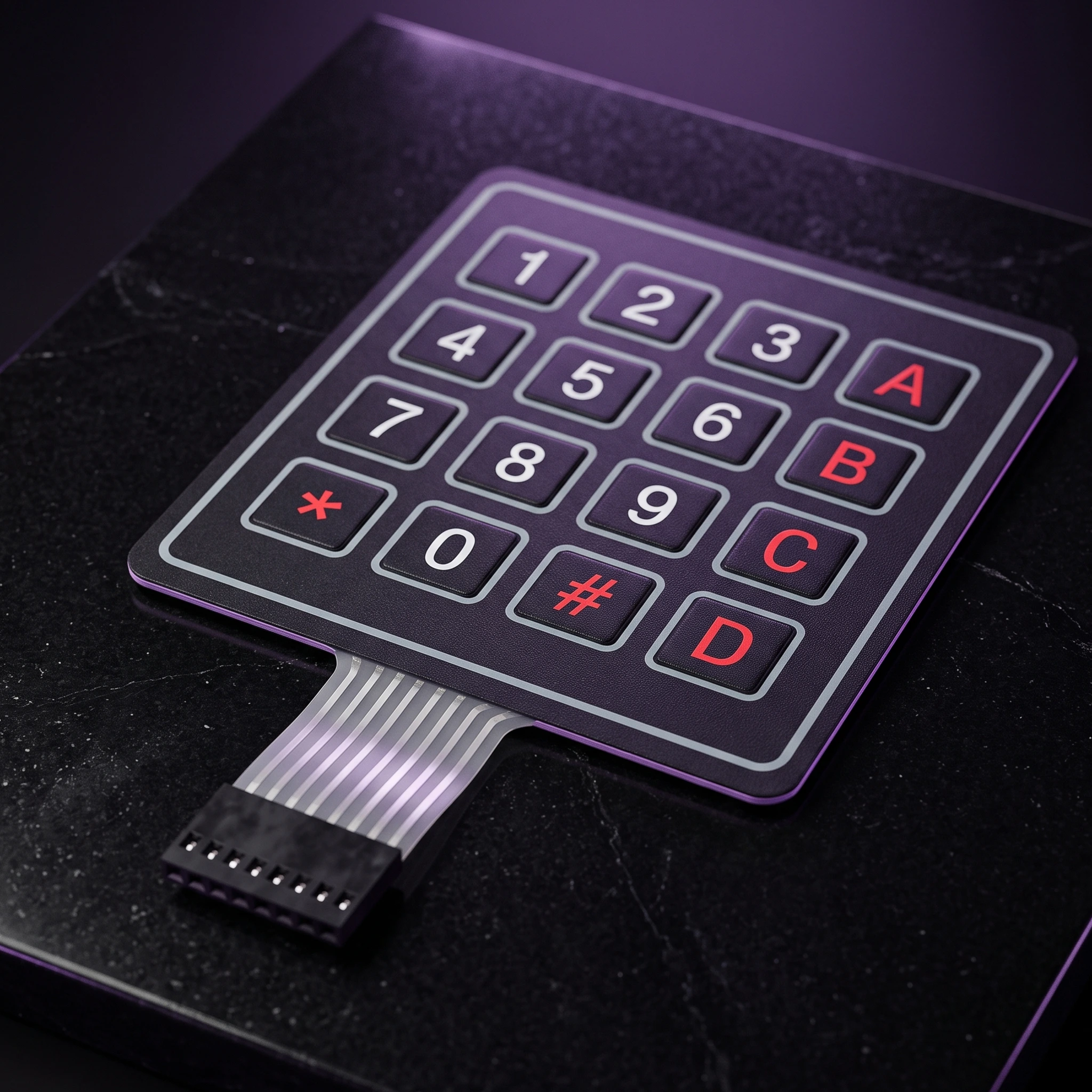
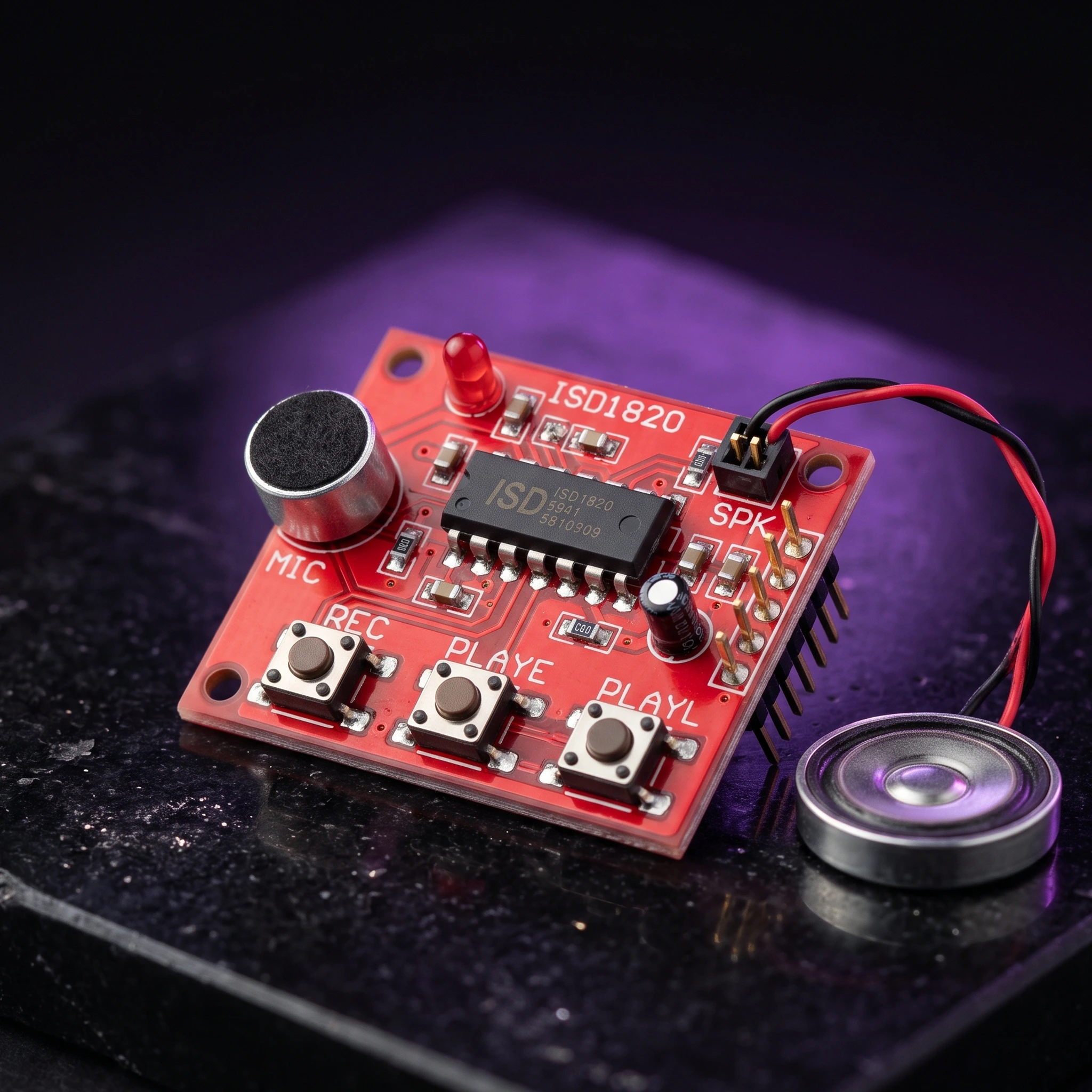
Sound Playback Module
Voice board, recording, recorder, playback, mic, sound, audio loudspeaker.
 Out of stock
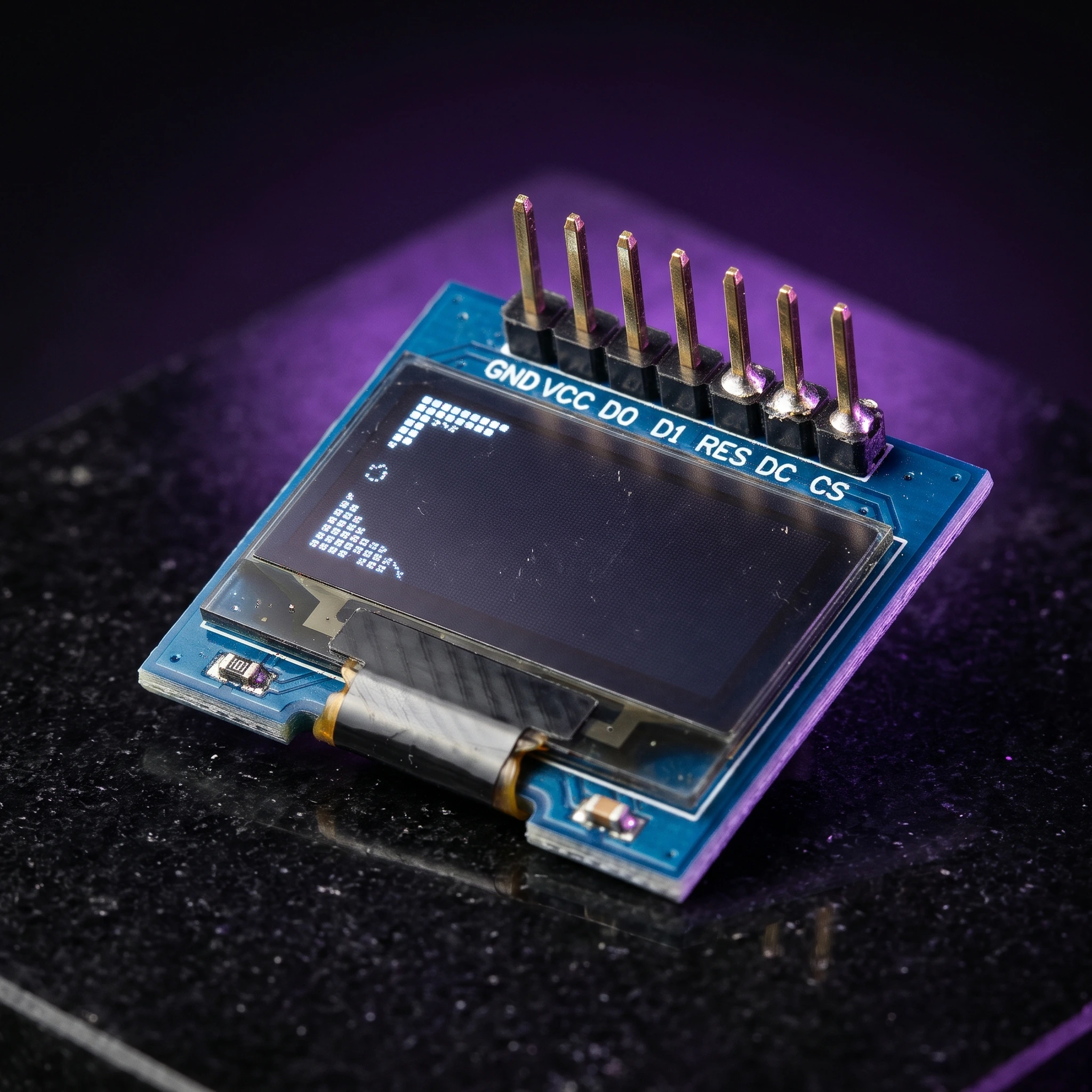
0.96 Inch Blue SPI OLED Display Module 7-Pin 128×64 – SSD1306
[LED/LCD Display] 0.96 Inch Blue SPI OLED Display Module 7-Pin 128×64 – SSD1306 The 0.96-inch Blue OLED Display Module is a compact graphical display based on the SSD1306 driver IC, featuring a 128×64 pixel resolution and blue monochrome display. This version has a 7-pin interface with a dedicated CS (Chip Select) pin, making it suitable for 4-wire SPI communication. The module is factory-configured for SPI and can also be modified for I2C/IIC communication on compatible board versions. With its compact size, wide viewing angle and low-power OLED technology, it is suitable for Arduino, ESP32, ESP8266, STM32, Raspberry Pi and other microcontroller projects. ⭐ Key Features 0.96-inch blue OLED display 128 × 64 pixel resolution SSD1306 driver IC 7-pin interface Dedicated CS (Chip Select) pin Factory configured for 4-wire SPI Supports SPI and I2C/IIC with appropriate configuration 3.3V/5V compatible on supported module versions No backlight required Low power consumption Wide viewing angle of more than 160° Compact PCB design Pre-soldered 7-pin male header Compatible with Arduino, ESP32, ESP8266, STM32 and Raspberry Pi projects 📋 Technical Specifications Display Type: OLED (Organic Light-Emitting Diode) Display Colour: Blue Display Size: 0.96 inch Driver IC: SSD1306 Resolution: 128 × 64 pixels Interface: SPI / I2C Default Interface: 4-wire SPI Input Voltage: 3.3V–5V Viewing Angle: >160° Module Dimensions: Approximately 27 × 27 × 4mm Operating Temperature: Approximately -30°C to +70°C Header: 7-pin male header, pre-soldered Display Type: Monochrome blue OLED 🔌 7-Pin Interface The 7-pin version provides the following connections: GND – Ground VCC – Power supply D0 / SCK / CLK – SPI clock D1 / MOSI / SDA – SPI data RES / RST – Display reset DC / A0 – Data/Command selection CS – Chip Select 🛠️ SPI Connection The module is normally supplied in 4-wire SPI configuration. For an Arduino Uno, a typical connection is: VCC → 5V GND → GND D0 → SCK / D13 D1 → MOSI / D11 RES → Digital I/O DC → Digital I/O CS → Digital I/O The dedicated CS pin allows the OLED to share the SPI bus with other devices such as SD cards or additional SPI peripherals. 🔄 I2C / IIC Configuration On compatible versions, the module can be converted from SPI to I2C by changing the appropriate resistor configuration on the PCB. The supplied board configuration may require: Moving the resistor from R3 to R1 Shorting R8 with solder Using D0 as SCL Using D1 as SDA Configuring DC for the I2C address The exact resistor positions can vary between board revisions, so check the markings on your particular PCB before modification. 🎯 Applications Arduino projects ESP32 projects ESP8266 projects STM32 development Raspberry Pi projects IoT devices Sensor displays Voltage/current meters Battery monitors Temperature displays Digital clocks Data loggers Portable electronic devices Robotics DIY measuring instruments Embedded systems Menu and status displays 💡 Advantages of OLED OLED technology is self-emissive, meaning the pixels produce their own light and do not require a conventional backlight. This provides high contrast, compact construction and a wide viewing angle while keeping power consumption relatively low. ⚠️ Important Notes This is the 7-pin SPI version, not the 6-pin version. The module is normally configured for SPI communication. Check the PCB labels before connecting the module. Do not exceed the specified supply voltage. Although many versions support 5V operation, the exact voltage tolerance can vary between board revisions. I2C operation may require hardware resistor modification. The actual PCB layout and component markings may vary slightly between production batches. Display colour: Blue. Libraries such as Adafruit SSD1306 and U8g2 can be used with compatible microcontrollers. 📦 Package Includes 1 × 0.96 Inch Blue SPI OLED Display Module